How to Subscribe to FDA Safety Communications: A Step-by-Step Guide
 Aug, 3 2026
FDA Alert Subscription Planner
Step 1: Define Your Profile & Keywords
Your Personalized FDA Alert Strategy
Primary Risk Area:
Recommended Action:
Subscription Checklist
- Navigate to FDA.gov Recalls section
- Create account with valid email
- Enter your customized keywords below
- Confirm subscription via email link
Your Selected Keywords:
Pro Tip for Optimization:
Review your keywords quarterly. If you stop taking a certain medication or switch medical devices, log in and update your keywords to keep alerts relevant.
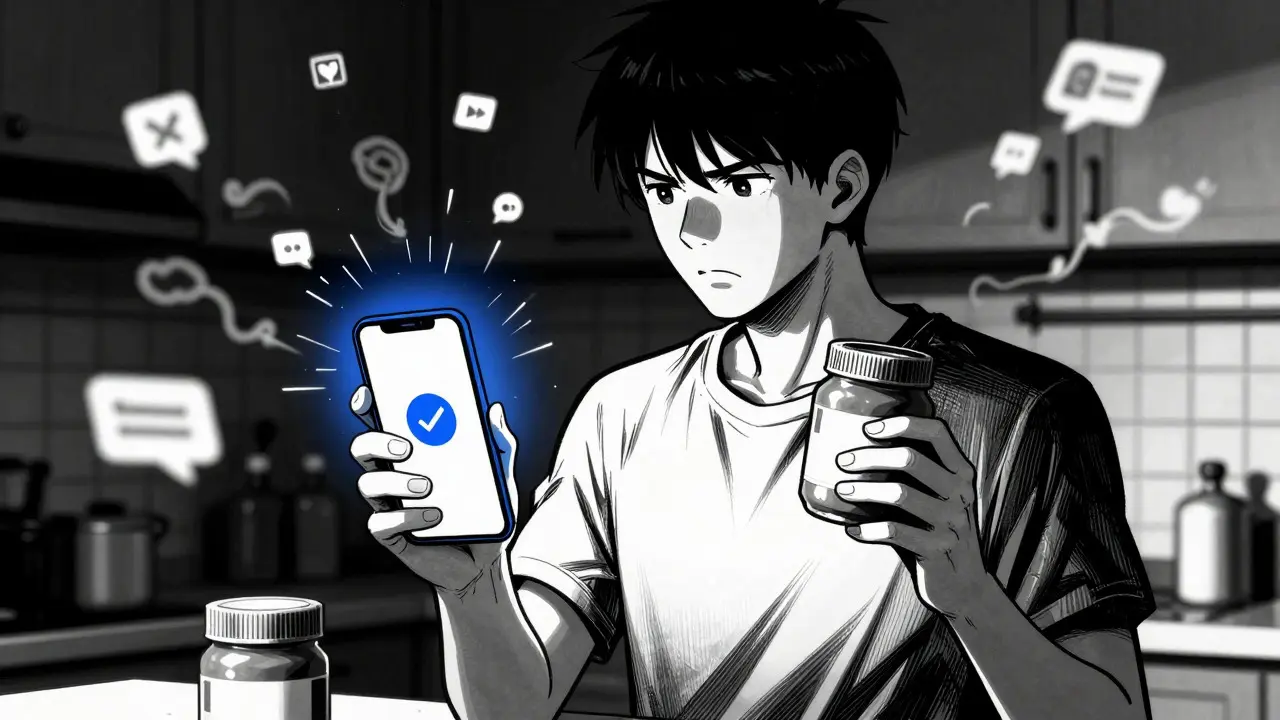
Imagine you buy a new batch of peanut butter or get fitted with a specific brand of insulin pump. Weeks later, you hear a rumor on social media that there might be a problem with it. Is it true? Should you stop using it? Without a direct line to the source, you’re left guessing. That uncertainty is exactly why the U.S. Food and Drug Administration created its safety communication systems.
You don’t have to wait for news outlets to report a crisis. You can get the information directly from the agency as soon as it’s verified. Whether you are managing a chronic condition, sourcing ingredients for your business, or just trying to keep your family safe, subscribing to these alerts gives you control over your health information. Here is how you set up these notifications so you never miss a critical update.
Understanding the FDA Alert Ecosystem
Before you sign up, it helps to know what you are actually signing up for. The FDA Safety Communications are official updates issued by the agency to inform the public about potential risks associated with regulated products. These aren't just press releases; they are actionable documents designed to help you make immediate decisions about your health.
The system is split into different channels depending on the product type. For general consumers, the most important tool is the Enforcement Report Subscription Service, which sends email notifications regarding recalls of food, drugs, medical devices, and cosmetics. This service was significantly upgraded in July 2022 to allow for personalized keyword targeting. Previously, you might have received every single recall notice, leading to "alert fatigue." Now, you can filter the noise.
For those specifically concerned with medical equipment, there is a separate channel called Medical Device Safety Communications, which provides detailed reports on adverse events, corrections, and removals of medical devices. In 2022 alone, the Center for Devices and Radiological Health (CDRH) issued 45 such communications. If you rely on a pacemaker, a continuous glucose monitor, or even a simple CPAP machine, this stream is vital.
Step-by-Step: Setting Up Your Recall Alerts
Setting up the basic recall notification system is straightforward and takes less than five minutes. Here is the exact process:
- Navigate to the FDA Website: Go to the official FDA.gov site and look for the "Recalls" section. Alternatively, search for "Enforcement Report Subscription Service."
- Create an Account or Log In: You will need a valid email address. The system uses this to deliver your alerts.
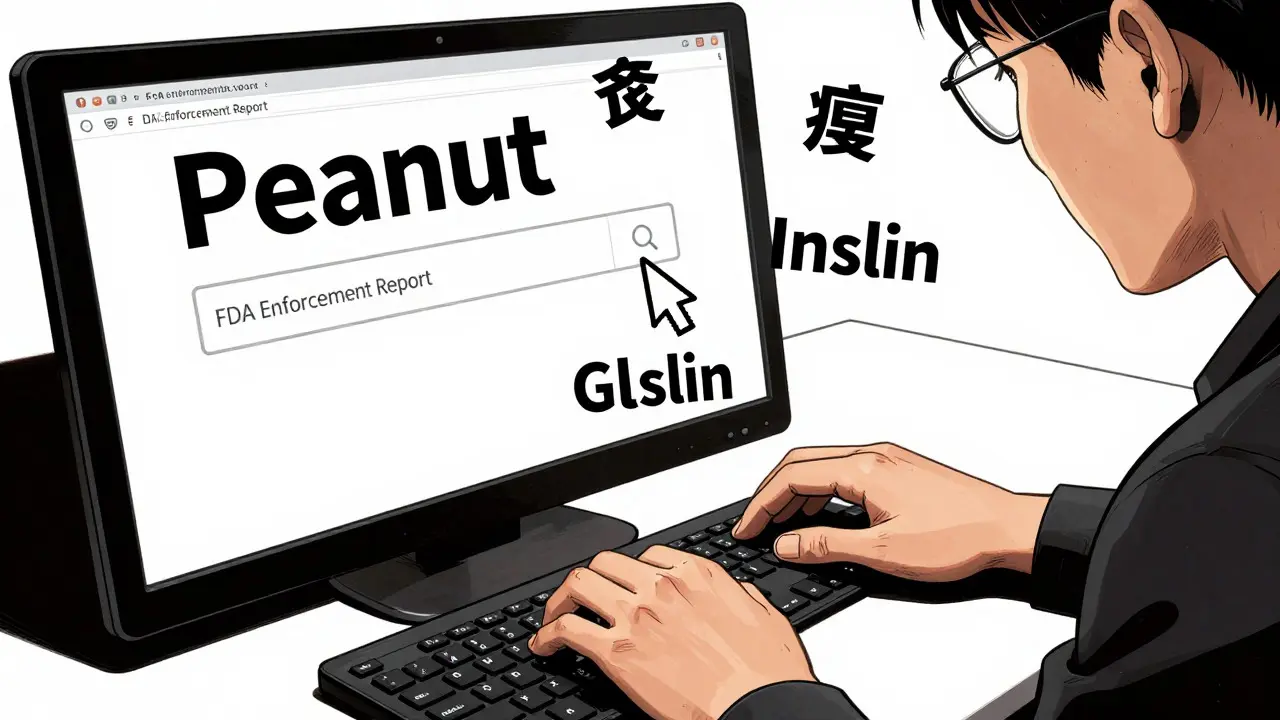
- Select Your Keywords: This is the most critical step. The enhanced system allows you to choose up to five custom keywords. Think carefully here. If you have a severe allergy, use specific terms like "peanut," "shellfish," or "soy." If you manage diabetes, you might select "insulin" or "glucose meter."
- Confirm Your Subscription: Check your inbox for a confirmation email and click the link to activate your subscription.
Once activated, you will receive emails whenever a recall matches your selected keywords. The beauty of this system is its specificity. A person with a gluten intolerance won’t get spammed with alerts about contaminated toothpaste unless they specifically asked for dental care products.
Monitoring Medical Device Risks
If you use medical technology at home, the standard recall alert might not be enough. You need to subscribe to the dedicated medical device channel. This provides deeper insights into Letters to Health Care Providers, which are formal notices sent to doctors and hospitals regarding urgent safety issues with medical devices.
To subscribe, visit the "Medical Devices" section of the FDA website and look for the link labeled "Subscribe to Medical Device Safety and Recalls." Unlike the general enforcement reports, these communications often contain technical details about why a device failed, what symptoms to watch for, and whether you should continue using the device while waiting for a replacement.
In September 2025, the FDA expanded its Early Alert Communications Program to cover all medical devices, providing warnings about high-risk issues before they are officially classified as recalls. This expansion was a major shift. Previously, this pilot program only covered high-risk categories like cardiovascular and gastrorenal devices. Now, if there is a potential issue with any device-from orthopedic implants to diagnostic imaging tools-the FDA aims to notify stakeholders faster.
The Power of Early Alerts
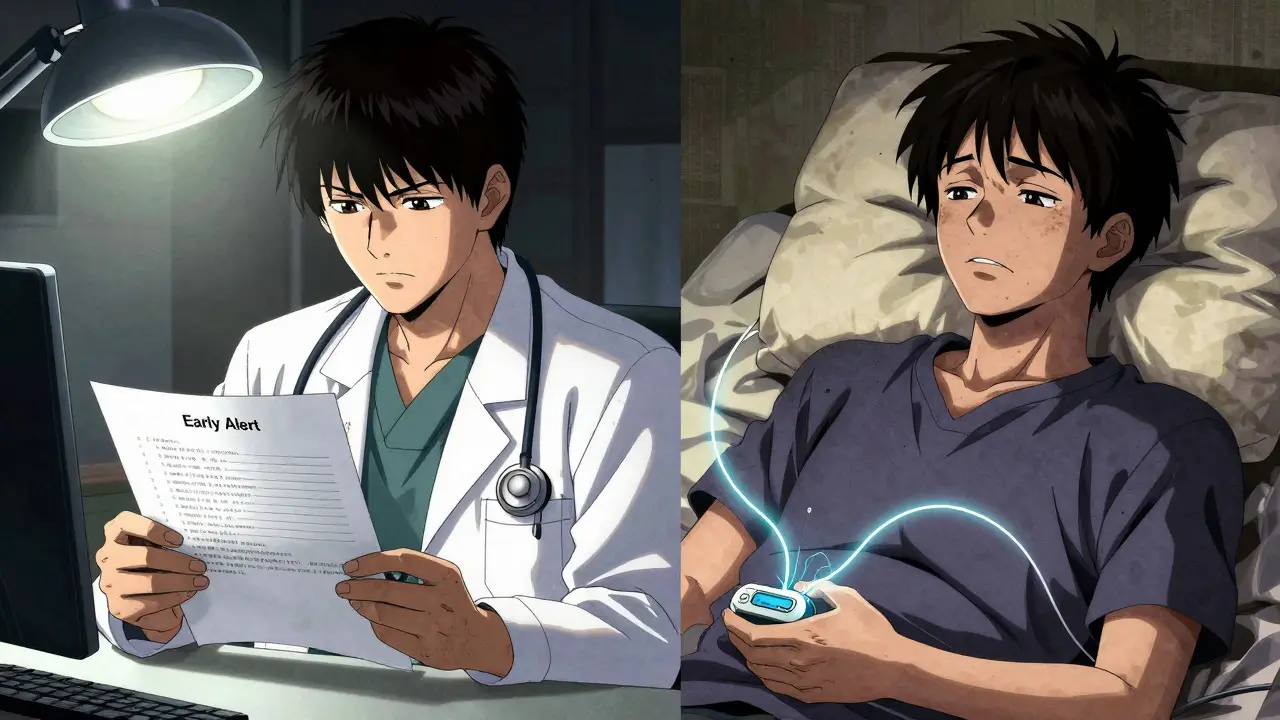
Traditional recalls happen after the FDA determines a product violates regulations. But sometimes, the risk is obvious before the legal paperwork is complete. This is where Early Alerts come in. They act as a proactive warning system.
When you receive an Early Alert, you will see specific sections including "what to do" language. This text mimics the notifications manufacturers send to their customers but comes directly from the regulator. It tells you clearly if you should stop using the device, contact your doctor, or simply monitor for side effects. This reduces the anxiety of ambiguity.
For industry professionals, such as pharmacists or clinic managers, these alerts serve as an early warning sign. They indicate potential quality issues that might affect similar products in your inventory. Staying current with these communications is not just best practice; it is a regulatory imperative for maintaining patient safety standards.
Tips for Optimizing Your Subscriptions
To get the most out of these services, consider these practical tips:
- Be Specific with Keywords: Instead of broad terms like "food," use "almond milk" or "baby formula" if those are your primary concerns. Broad terms lead to irrelevant emails that you might delete without reading.
- Separate Personal and Professional Interests: If you work in healthcare, consider having one email address for personal family safety alerts and another for professional compliance monitoring. This keeps your personal life clutter-free while ensuring you stay compliant at work.
- Review Quarterly: Your health needs change. If you stop taking a certain medication or switch medical devices, log in and update your keywords. An outdated subscription is useless.
- Check Spam Folders: Government emails sometimes end up in junk folders. Add the FDA sender addresses to your safe list to ensure timely delivery.
Who Needs These Alerts?
While everyone benefits from knowing when their food or medicine is safe, certain groups find these subscriptions indispensable:
| User Type | Primary Risk Area | Recommended Action |
|---|---|---|
| Allergy Sufferers | Food Contamination | Subscribe to Enforcement Reports with specific allergen keywords (e.g., "tree nuts"). |
| Chronic Disease Patients | Drug/Device Reliability | Subscribe to both Drug Safety Communications and Medical Device alerts relevant to their condition. |
| Healthcare Providers | Patient Safety | Subscribe to Letters to Health Care Providers and Early Alerts to advise patients proactively. |
| Industry Stakeholders | Supply Chain Integrity | Monitor all relevant categories to anticipate regulatory shifts and quality issues. |
The FDA’s data infrastructure supports these alerts through systems like FAERS (FDA Adverse Event Reporting System), which collects reports of adverse events and medication errors, and the Sentinel System, which monitors health outcomes in over 300 million people using electronic health records. When these systems detect a signal-such as a spike in negative reactions to a specific drug batch-the FDA analyzes the data and may issue a communication. By subscribing, you are tapping into the final output of this massive surveillance network.
Troubleshooting Common Issues
Sometimes things go wrong. If you stop receiving emails, first check if your subscription expired or if you accidentally unsubscribed. The FDA’s Division of Industry and Consumer Education (DICE) provides support for subscribers encountering technical issues. You can usually find contact information on the footer of the FDA’s recall pages.
If you feel you are getting too many emails, refine your keywords. Remember, you have a limit of five for the Enforcement Report service. Use them wisely. Remove generic terms and replace them with highly specific ones. For example, swap "medication" for "blood pressure pills" if that is your main concern.
Is it free to subscribe to FDA safety alerts?
Yes, all FDA safety communication subscriptions are completely free. There are no hidden fees or premium tiers. The government funds these services to protect public health.
How quickly are alerts sent after a recall is announced?
Email notifications are typically sent within hours of the official publication of the recall or safety communication on the FDA website. The goal is to minimize the time between awareness and action.
Can I subscribe to alerts for international products?
The FDA regulates products sold within the United States. While some multinational companies may issue global recalls, the FDA alerts specifically cover products under U.S. jurisdiction. However, many international regulators share data, so significant global issues often appear in FDA communications.
What is the difference between a Recall and an Early Alert?
A Recall is a formal regulatory action taken when a product violates FDA regulations. An Early Alert is a proactive warning issued when the FDA becomes aware of a potentially high-risk issue before it meets the strict legal definition of a recall. Early Alerts provide immediate guidance while investigations continue.
Do I need to create a password to subscribe?
You generally need to create an account with an email address and password to manage your subscriptions effectively. This allows you to log in later to update your keywords or unsubscribe from specific categories.